
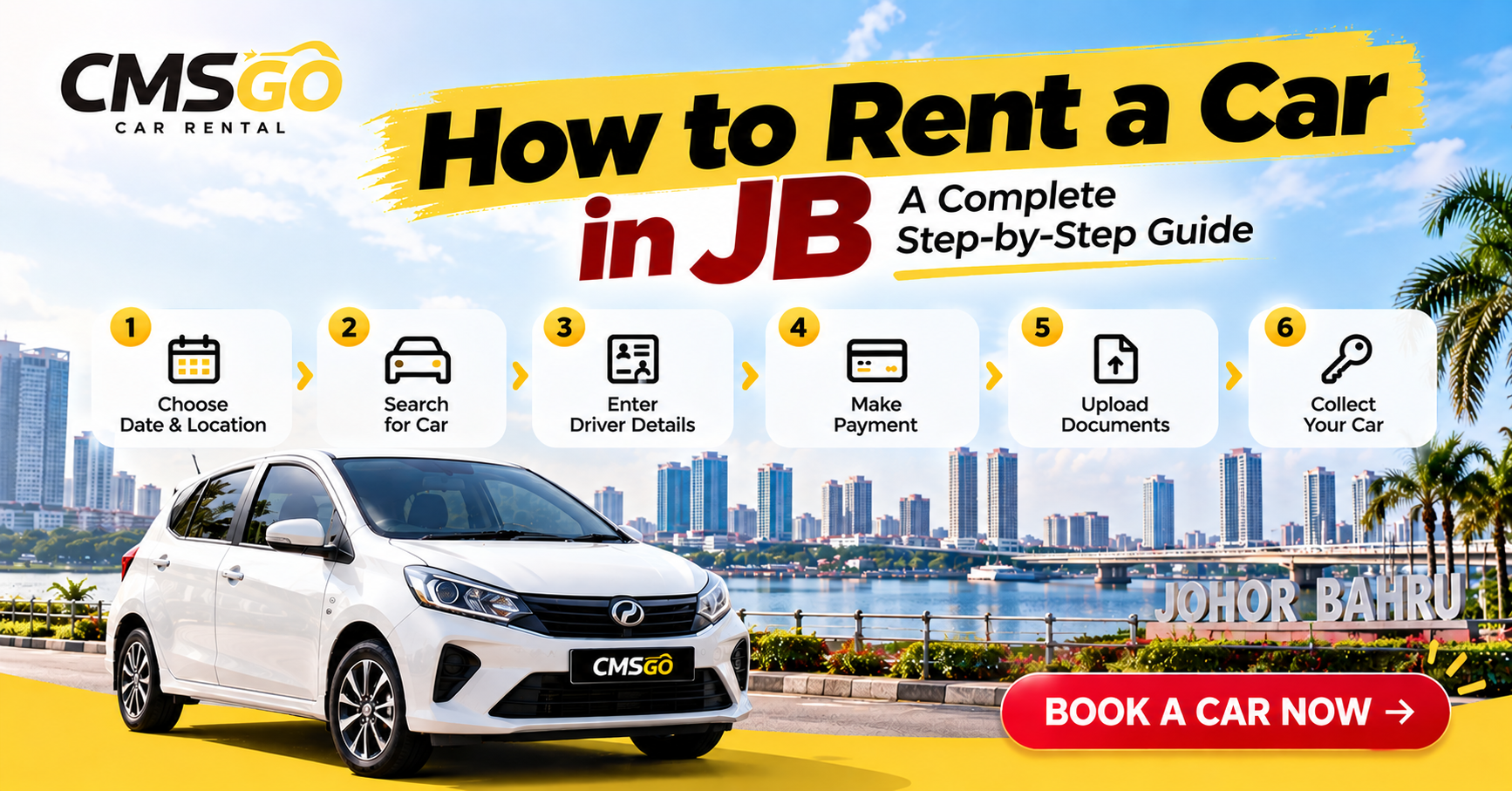
Wondering how to rent a car in JB? Whether you're visiting Johor Bahru for a holiday, business trip, shopping getaway, or an extended stay, renting a self-drive car can make your journey more convenient.
With CMSGO, you can search for available vehicles, choose your preferred pickup and return locations, and complete your booking online.
This guide explains how to rent a car in Johor Bahru, what documents you need, and what to expect before collecting your vehicle.
Why Rent a Car in Johor Bahru?
Johor Bahru is home to shopping malls, tourist attractions, restaurants, and popular destinations spread across different areas.
Having your own rental car offers several advantages:
- Travel according to your own schedule.
- Explore destinations without depending entirely on public transportation.
- Enjoy greater convenience when travelling with family or luggage.
- Choose a vehicle suitable for your trip.
- Visit multiple destinations in a single day.
Whether you're planning a short getaway or a longer stay, self-drive car rental in JB provides flexibility for your travel plans.
Step 1: Visit the CMSGO Car Rental Website
The first step in learning how to rent a car in JB is choosing a convenient rental booking platform.
Visit the official CMSGO website:
On the booking page, select your preferred pickup and return details.
You can choose your rental dates, times, and locations before searching for available vehicles.
Step 2: Select Your Pickup and Return Locations
CMSGO allows customers to choose their preferred pickup and return locations when making a reservation.
Depending on availability and delivery arrangements, possible pickup locations around Johor Bahru include:
- JB City Square
- Mid Valley Southkey
- KSL City Mall
- AEON Bukit Indah
- Iskandar Puteri
- Puteri Harbour
- Senai International Airport
You may also select different pickup and return locations when supported by the booking system.
Additional delivery or collection fees may apply depending on the selected locations.
Tip: Choose your pickup location carefully and review any applicable location fees before completing your booking.
Step 3: Choose Your Rental Dates and Times
Next, select your preferred pickup date, pickup time, return date, and return time.
CMSGO offers daily and weekly car rental options for different travel needs.
For customers requiring a vehicle for one month or longer, long-term rental plans are also available.
You can explore our Long-Term Car Rental in Johor Bahru for extended rental options.
Before proceeding, make sure your rental dates and times match your travel schedule.
Step 4: Search for Available Rental Cars
After entering your rental details, click Search for Car.
The CMSGO booking system will display available vehicles based on your selected dates and times.
Depending on availability, vehicle options may include:
Economy Cars
Perodua Axia and Perodua Bezza are practical choices for economical city driving.
Compact Cars
Perodua Myvi and Honda Jazz offer convenient options for daily transportation.
Sedans
Toyota Vios and Honda City are suitable for travellers seeking comfortable transportation.
Family Vehicles
Perodua Alza provides additional passenger space for family trips.
Choose a vehicle that matches your passenger capacity, luggage requirements, and travel preferences.
Vehicle availability is subject to your selected rental period.
Step 5: Enter Your Driver Details
After selecting your preferred vehicle, proceed to the Driver Details section.
Enter the required booking information, including:
- First Name
- Last Name
- Email Address
- Phone Number
- Driver Information
Make sure your contact details are accurate so the CMSGO team can communicate important booking information.
Customers must also complete the required driver verification process.
Step 6: Prepare Your Driving Documents
Before collecting your rental car, make sure you meet the rental requirements.
For Malaysian Drivers
Prepare the following:
- Valid MyKad (IC)
- Valid Malaysian Driving Licence
For International Drivers
Prepare the following:
- Valid Passport
- Valid International Driving Permit (IDP)
Driver Eligibility
CMSGO requires drivers to be at least 23 years old.
Learner (L) and Probationary (P) driving licences are not accepted.
All documents must be valid and meet the rental requirements.
Step 7: Review Your Booking and Make Payment
Once you have entered your booking information, proceed to the Booking Summary.
Review the following details:
- Selected Vehicle
- Pickup and Return Dates
- Pickup and Return Times
- Pickup and Return Locations
- Vehicle Rental Charges
- Applicable Additional Fees
- Total Booking Amount
CMSGO supports online payment for rental reservations.
Your booking is confirmed after successful payment and completion of the required booking process.
If payment is not completed within the applicable payment window, an unpaid booking may be automatically cancelled.
Step 8: Complete Driver Verification
After booking, visit the My Account section on the CMSGO website.
If you do not already have access to your account, register using the same email address associated with your booking, where applicable.
Once logged in:
- Open My Account.
- Select Driver Verification.
- Upload the required driving documents.
- Review your information.
- Click Submit.
The CMSGO team will review your submitted documents as part of the verification process.
Completing verification before your pickup date can help avoid unnecessary delays.
Step 9: Collect Your Rental Car
Before your scheduled pickup, confirm the collection arrangements with the CMSGO team.
Customers should notify the team approximately 30 minutes before arrival at the agreed pickup location.
Our team will coordinate the vehicle handover based on the confirmed booking details.
During vehicle collection:
- Verify the vehicle details.
- Inspect the vehicle's condition.
- Review the fuel level.
- Confirm the scheduled return date and time.
- Follow the handover instructions provided by the team.
Once the handover process is completed, you can begin your journey.
Step 10: Return Your Rental Car on Time
Return the vehicle according to the return date, time, and location stated in your booking.
Before returning the vehicle:
- Check your personal belongings.
- Ensure the vehicle is reasonably clean.
- Refill the fuel according to the agreed fuel policy.
- Notify the CMSGO team before arrival.
- Follow the return inspection procedure.
Late return charges may apply according to the rental terms and conditions.
Important Things to Know Before Renting a Car in JB
No Security Deposit
CMSGO offers rental bookings without a security deposit, subject to the applicable rental terms.
Driving Restrictions
CMSGO rental vehicles may only be driven within Peninsular Malaysia.
Cross-border travel to Singapore is strictly prohibited.
Rental Cancellation
Cancellation charges and refund eligibility depend on the cancellation timing and applicable rental policy.
Customers should review the cancellation terms before completing payment.
Book Early for Better Availability
Rental vehicle availability depends on the selected dates and existing reservations.
Booking in advance is recommended, particularly during weekends, school holidays, and festive periods.
Frequently Asked Questions About Renting a Car in JB
Can tourists rent a car in Johor Bahru?
Yes. International visitors may rent a car with CMSGO if they meet the minimum age and driving document requirements.
Can I rent a car in JB without a deposit?
Yes. CMSGO offers rental bookings without a security deposit, subject to its terms and conditions.
Can I collect my rental car at JB City Square?
You may select JB City Square as your preferred pickup location when available in the booking system. Applicable delivery fees may apply.
Can I rent a car for one month in Johor Bahru?
Yes. CMSGO offers monthly and long-term car rental options for individuals, expatriates, and corporate customers.
Can I drive my rental car into Singapore?
No. CMSGO vehicles are not permitted to cross international borders, including travel into Singapore.
What is the minimum age to rent a car with CMSGO?
The minimum driver age is 23 years old, and a valid, accepted driving licence is required.
Book Your Car Rental in JB with CMSGO
Now that you know how to rent a car in JB, you're ready to plan your next journey.
CMSGO provides a convenient online booking experience, flexible pickup and return locations, and self-drive vehicle options for different travel needs.
Whether you're visiting Johor Bahru for business, leisure, or a longer stay, CMSGO makes it easy to arrange your rental transportation.
Start your journey with CMSGO today.